 Pane
Pane by OneLifeStack
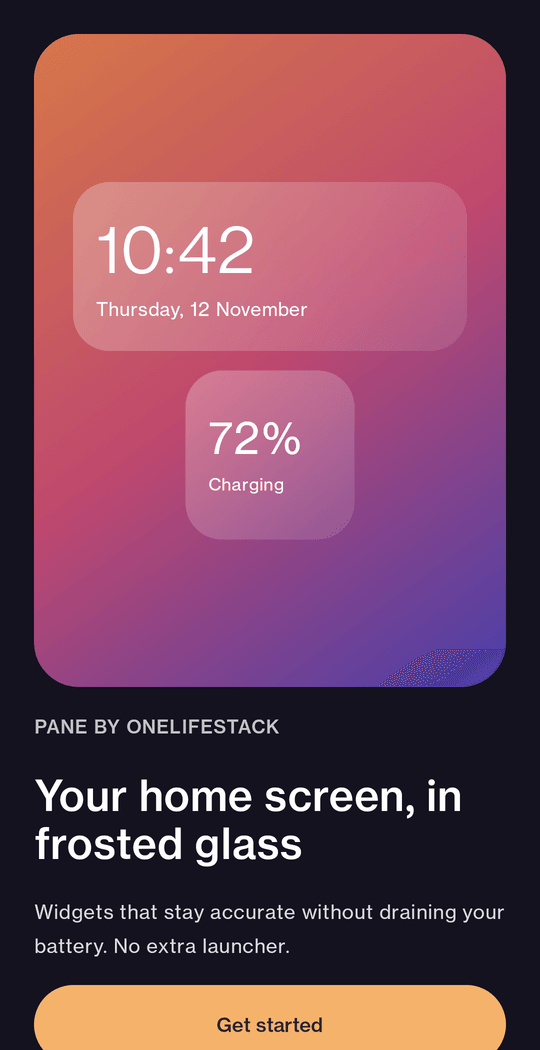
Your home screen, in frosted glass.
Pane adds glass-style widgets to Android: clocks, battery, date and day, week and year progress, in dark or light glass. No permissions, no internet, no account.
Eight widgets
Small, calm and accurate.
Every widget is drawn on your phone from your phone's own clock and battery. Nothing is fetched. The pictures below show them in dark glass over a wallpaper.
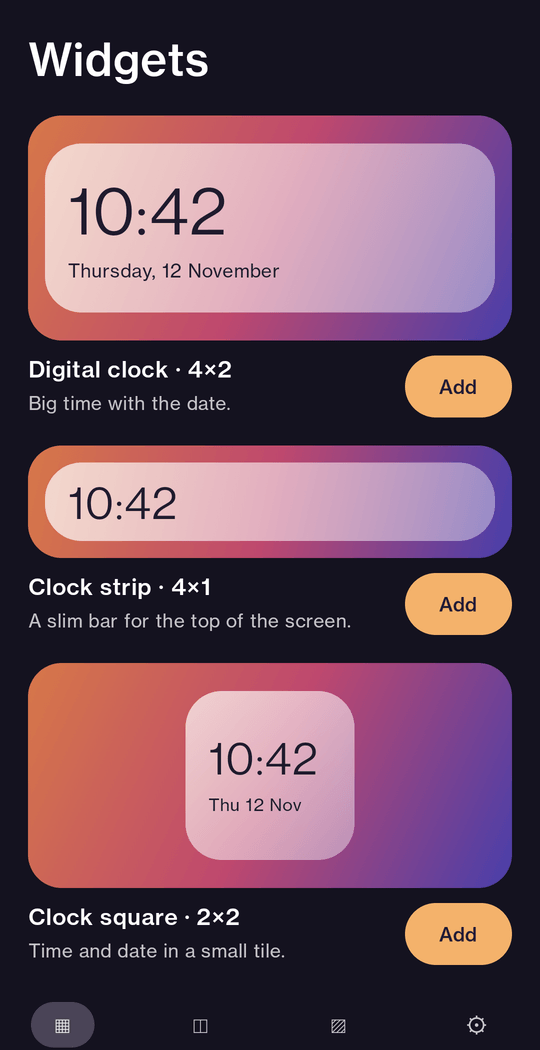
Digital clock 4×2
Big time with the date.
Clock strip 4×1
A slim bar for the top of the screen.
Clock square 2×2
Time and date in a small tile.
Battery 2×2
Level and charging state.
Date 2×2
Today, like a calendar tile.
Day progress 4×2
How much of today is left.
Year progress 4×2
How much of the year is left.
Week 4×1
This week at a glance, today lit up.
Make it yours
Dark glass, light glass, and everything between.
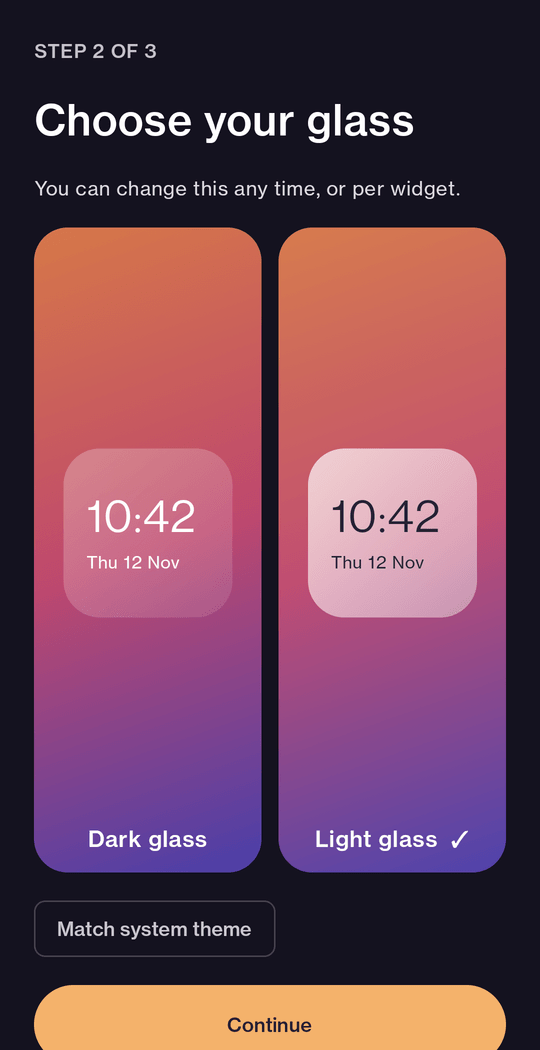
Pick the glass when you add a widget, and change it any time from the Pane app.
- Dark or light glass: a smoky panel with white text, or a bright "milk" panel with ink text.
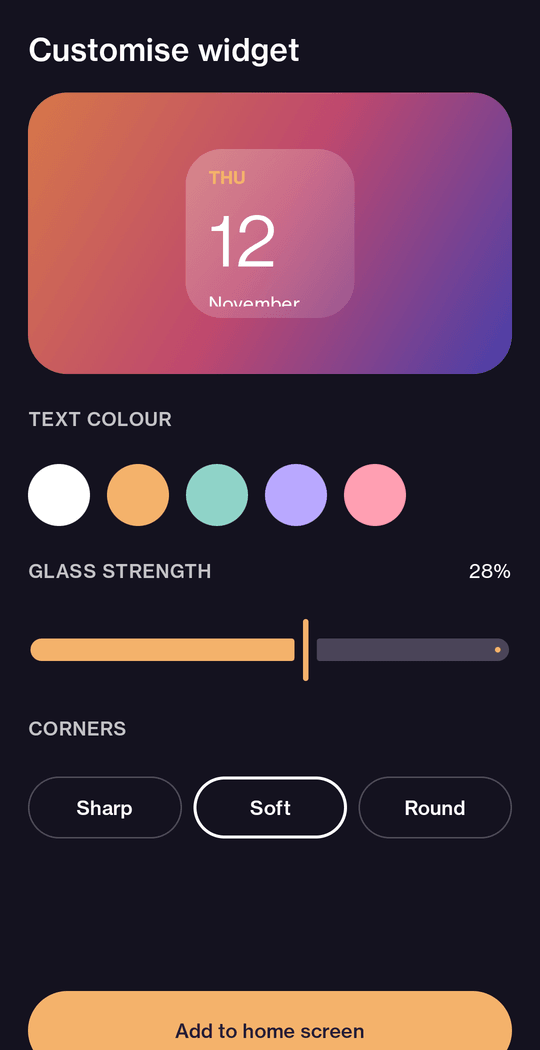
- Text colour: white, amber, mint, lilac or rose.
- Glass strength: from nearly clear to frosted.
- Corners: sharp, soft or round.
- Match system: new widgets follow your phone's dark or light theme.
In the app
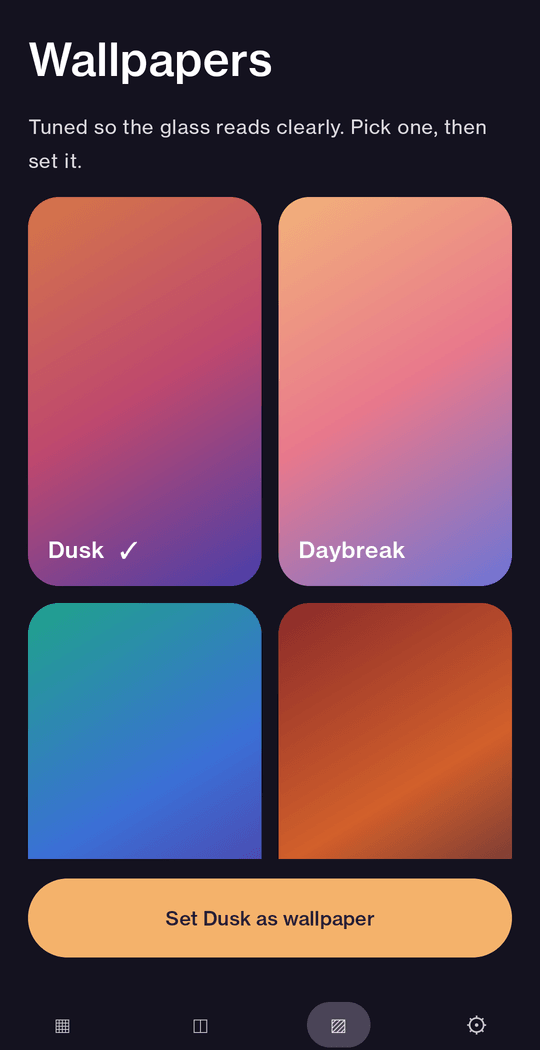
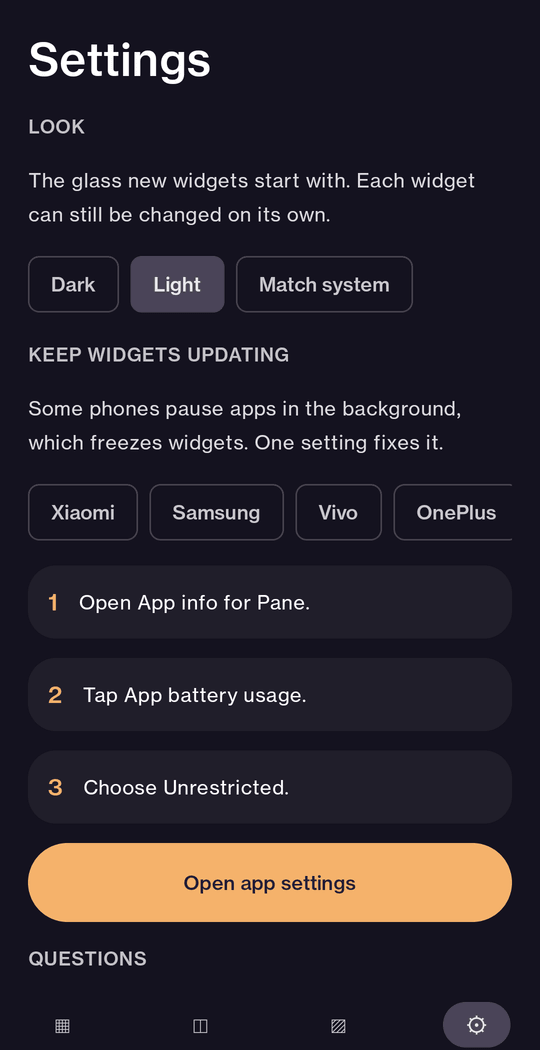
A calm place to choose and change.
Private by design
Nothing to grant. Nothing to send.
No permissions
No location, contacts, storage or notifications. There is nothing in the permission list to review.
No internet
Pane cannot connect to the internet at all, so it cannot send anything anywhere.
No account, no ads
You never sign up. There are no advertising or analytics libraries inside the app.
Looks stay on your phone
Your choices for each widget are saved on your phone only. Read the privacy policy.
Add one
It takes three taps.
- Press and hold an empty spot on your home screen.
- Tap Widgets, then find Pane.
- Choose a widget, pick its look, and place it.
Change one later from the Pane app: open On home and tap Edit.
Questions
Good to know.
Is it on Google Play yet?
Not yet. Pane is built and being tested, and this site will link to the Play listing when it is live.
Do I need to give it any permissions?
No. Pane asks for no permissions at all. It does not ask for your location, contacts, storage, notifications or the internet.
Where is the weather?
Weather needs your location and the internet, and Pane keeps both off so it can promise that nothing leaves your phone. If weather ever comes, it will be a separate, clearly optional extra.
Is it free? Are there ads?
There are no ads and no tracking. We have not set a price yet; we will say so here and in the Play listing before anything is sold.
Which phones does it work on?
Android 8 (API 26) and newer. Widgets are drawn by your launcher, so the look can differ a little between brands; some launchers need you to add a widget from the widget picker.
A widget stopped updating. What do I do?
Some phones pause apps in the background, which freezes widgets. In Pane, open Settings and follow the short guide for your brand; it is one setting.
Why is the glass not a real blur?
Android does not let a widget blur what is behind it. Pane draws a tint, a lit edge and a soft shadow instead, and ships four wallpapers tuned so the glass reads clearly.